Waiting areas look simple, but they create an unusual viewing problem for LED displays.
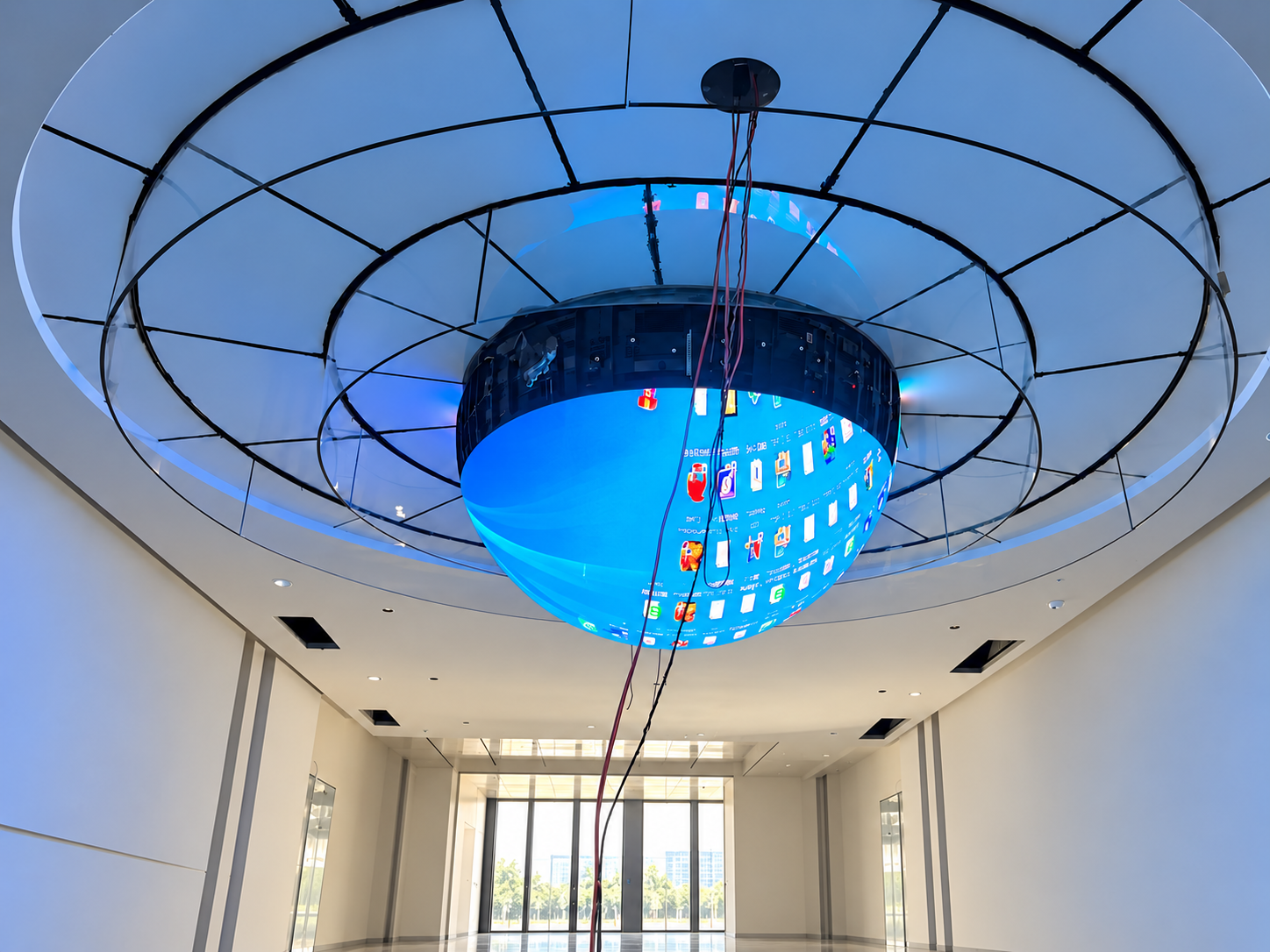
Some people are sitting. Others are standing, walking, checking information, or entering the space from different directions. Their eye levels can differ significantly.
If a led ball display is positioned only for standing viewers, seated visitors may spend several minutes looking upward. If it is installed too low for seated users, people standing nearby may block part of the screen.
For a customized LED display, good positioning is therefore not simply about finding an empty wall. The screen height, shape, viewing distance and content area should all be planned around how people actually use the space.
In a shopping mall, people may only look at a screen for a few seconds.
In an airport lounge, hospital waiting room, service center or hotel lobby, they may remain in the same position much longer.
This makes visual comfort more important.
A screen that is slightly too high may not seem like a serious problem during a short inspection. After someone has been seated for ten or twenty minutes, however, constantly looking upward can become uncomfortable.
There is another problem: standing people can become physical obstacles.
A screen may look perfectly visible when the waiting area is empty but become partly hidden once people stand near the reception desk, ticket counter or entrance.
The installation should therefore be evaluated under real occupancy conditions.
One common mistake is choosing one theoretical eye height and positioning the entire display around it.
Waiting areas normally contain several viewing conditions:
seated adults;
standing adults;
children;
wheelchair users;
people walking through the area;
people viewing from seats located at different distances.
Trying to make every pixel equally visible to every person is usually impossible.
A better approach is to establish a shared viewing zone.
Instead of asking, “Where should the center of the screen be?” ask:
“Which part of the screen must remain clearly visible from both seated and standing positions?”
This changes the design decision completely.
For many waiting-area projects, not every part of the LED screen has equal importance.
The center section can be treated as a safe content zone for information such as:
queue numbers;
directions;
service information;
company names;
schedules;
short announcements;
important text.
Decorative animation, patterns and branding can use the upper, lower or outer sections.
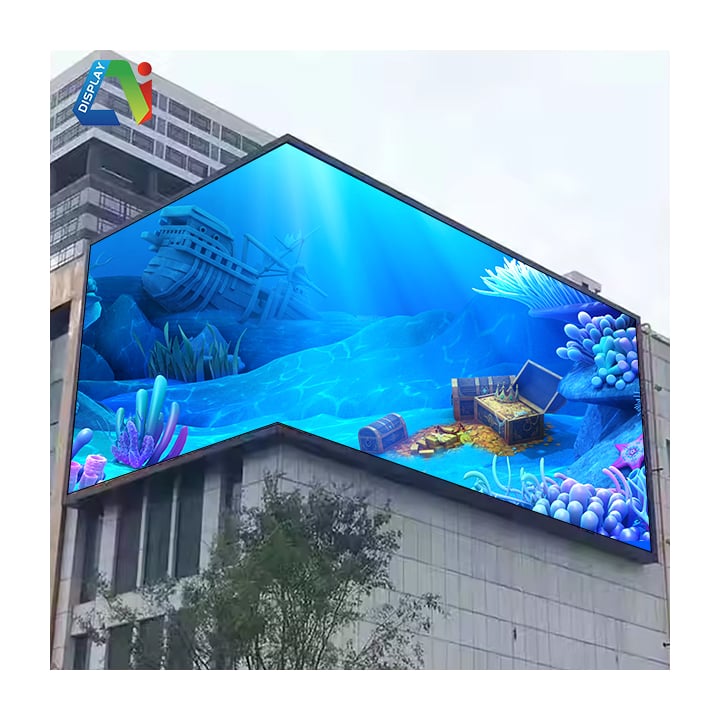
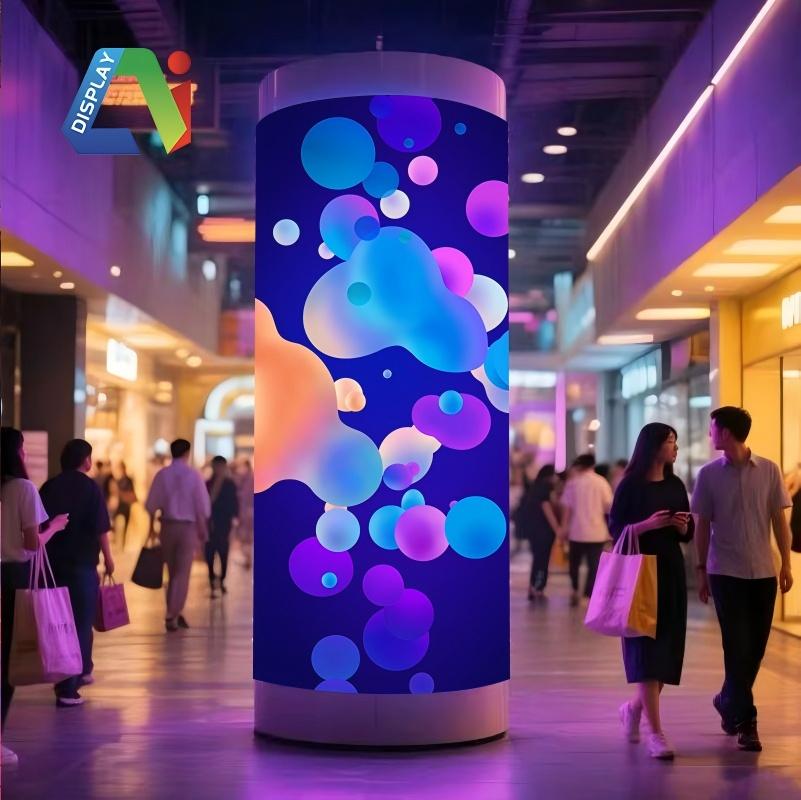
This is especially useful for a custom-shaped LED display.
For example, a curved, circular or irregular LED installation may extend well above normal eye level. That does not mean important text should follow the entire shape.
The creative shape can remain visually impressive while critical information stays inside the most comfortable viewing area.
Screen height cannot be planned independently from distance.
A visitor sitting two meters from an LED screen experiences a much larger vertical viewing angle than someone sitting eight meters away.
When the screen is close, excessive installation height becomes more noticeable.
For close waiting areas, designers may need to:
lower the main information area;
reduce the vertical size of the active information zone;
use larger text;
avoid placing important content near the top edge;
choose an appropriate pixel pitch for close viewing.
A larger screen is not automatically easier to watch.
If a very tall LED display is installed close to the seats, viewers may need to move their head rather than simply move their eyes.
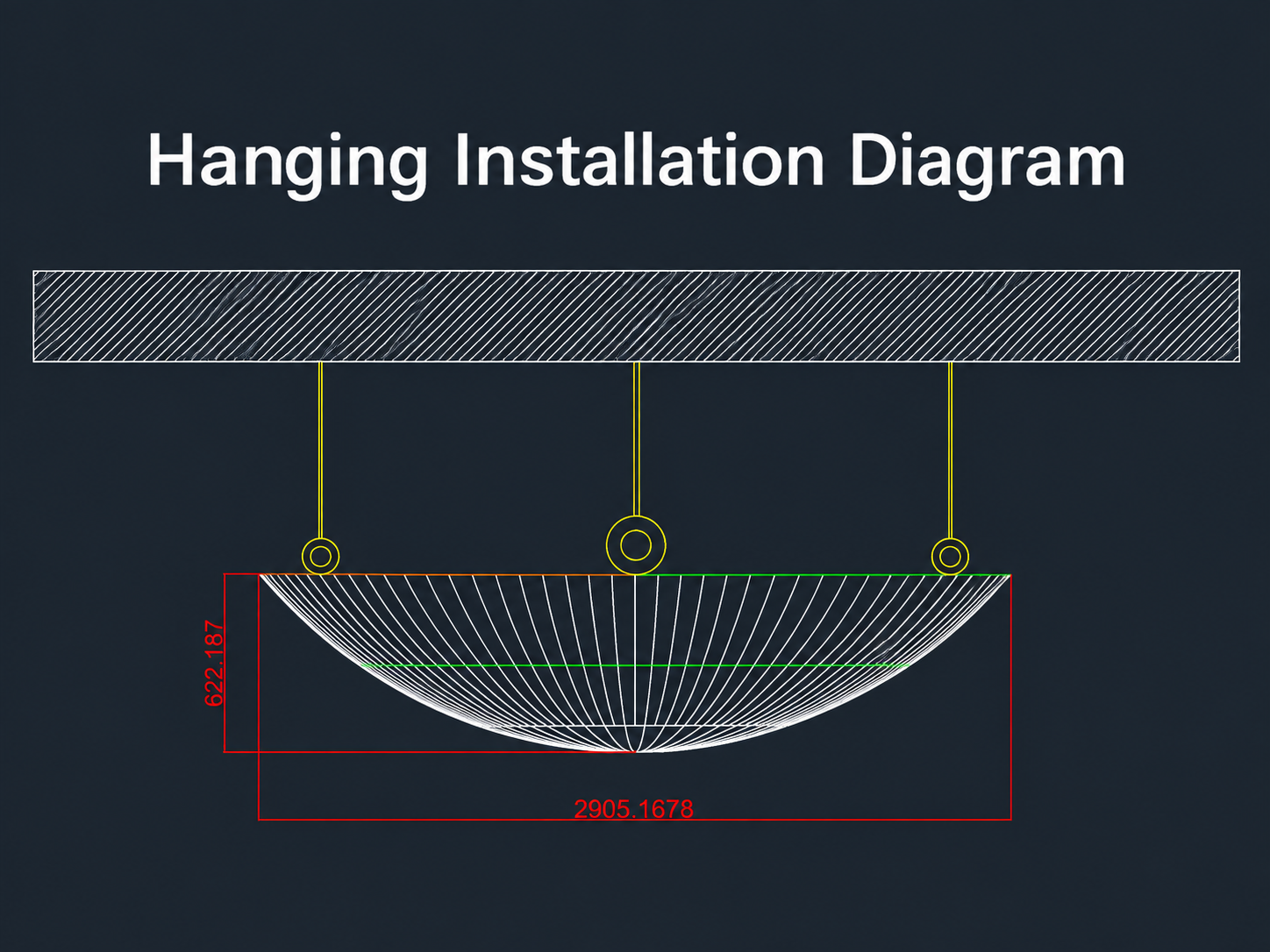
A customized LED screen does not have to behave like a conventional rectangular video wall.
Its geometry can respond to the architecture.
For example, an LED surface can be designed as a wide horizontal band rather than a tall rectangle. This keeps more content near the shared eye-level zone.
A curved display can also turn slightly toward different seating sections so viewers do not need to look at the screen from an extreme side angle.
Other projects may use several connected LED sections rather than one oversized screen.
The important point is that customization should solve a spatial problem, not simply make the display look unusual.
Drawings and 3D models are useful, but physical viewing tests are still important.
Before the final supporting structure is manufactured, mark the planned LED display position on the wall or structure.
Then inspect it from several locations:
the closest seat;
the farthest seat;
a normal standing position;
the entrance;
the reception or service counter;
wheelchair-accessible seating areas.
Test the actual content as well.
A logo that looks large on a computer monitor may appear too small from the back row. A queue number placed near the bottom of the screen may disappear behind standing visitors.
Testing should therefore include both screen position and content layout.
With a customized LED display, the visible LED surface is only one part of the installation.
The project may also require:
custom metal frames;
LED modules;
receiving cards;
power supplies;
signal cables;
ventilation space;
maintenance access.
These components add depth.
If the screen is installed above seats or near a circulation route, the complete structure should be included in the drawings. The LED surface should not project unexpectedly into the usable waiting area.
For curved or irregular displays, checking the final structure is especially important because different sections may have different depths.
Imagine a customer service center with rows of seats facing a long wall.
Instead of installing one tall rectangular screen high above the room, the designer could use a wide customized LED display following the architectural line of the wall.
The central horizontal zone displays queue numbers, service information and directions.
Decorative graphics continue into the outer sections of the screen.
Seated customers can read the essential information without constantly looking upward, while standing visitors can still see the display from farther back.
In this case, customization improves both appearance and usability.
Not necessarily. Both seated and standing sightlines should be checked. Important information should be placed inside an area that remains visible to both groups.
No. Screen dimensions should match viewing distance, room height and available sightlines. An oversized screen installed too close to seating can be uncomfortable to view.
Yes. Curved or custom-shaped screens can follow walls, corners or architectural features and can help direct parts of the display toward different seating areas.
Usually not. Keeping essential text and information inside a defined safe zone makes the content easier to read from different positions.
A successful waiting-area LED installation begins with viewer behavior.
Where do people sit? Where do they stand? Which paths do they use? What information must remain visible when the area becomes crowded?
Once these questions are answered, screen dimensions, installation height, customized shape and content layout can be designed around the real space.
AILED provides customized LED display solutions for different architectural and commercial environments. For projects involving curved, irregular or custom-shaped LED screens, the display structure, LED modules, control system, installation method and viewing conditions can be planned according to the project requirements.
Before production, providing the installation drawings, available dimensions, minimum viewing distance, seating layout and expected content can help engineers develop a more practical LED display solution.
 Hot News
2026-09-17
2026-09-16
2026-09-15
Copyright © 2025 by Shenzhen Ai Display Technology Co., Ltd - Privacy policy
 EN
EN