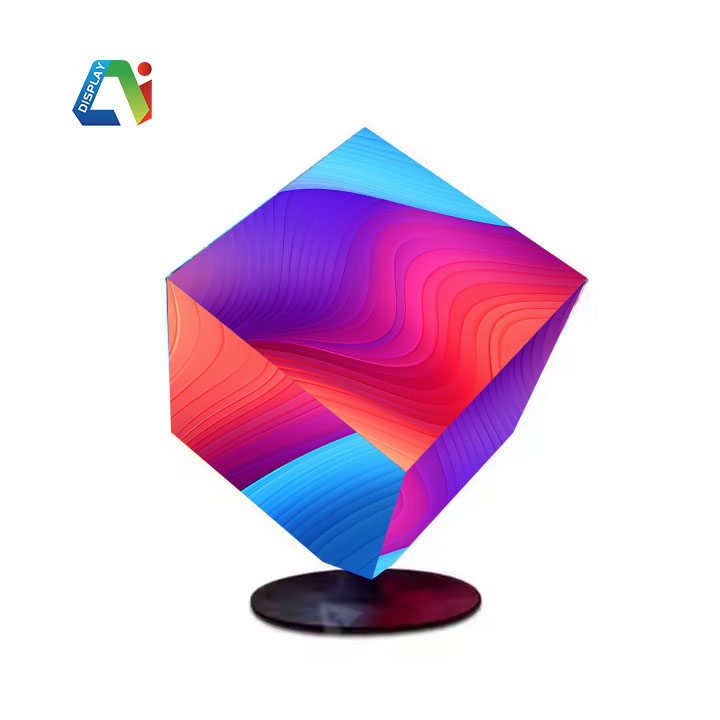
Hybrid meeting rooms need to work for two different audiences: people sitting inside the room and people joining through video calls. A diamond-shaped LED display can create a distinctive visual feature, but its angled edges and non-standard shape may make screen placement more complicated.
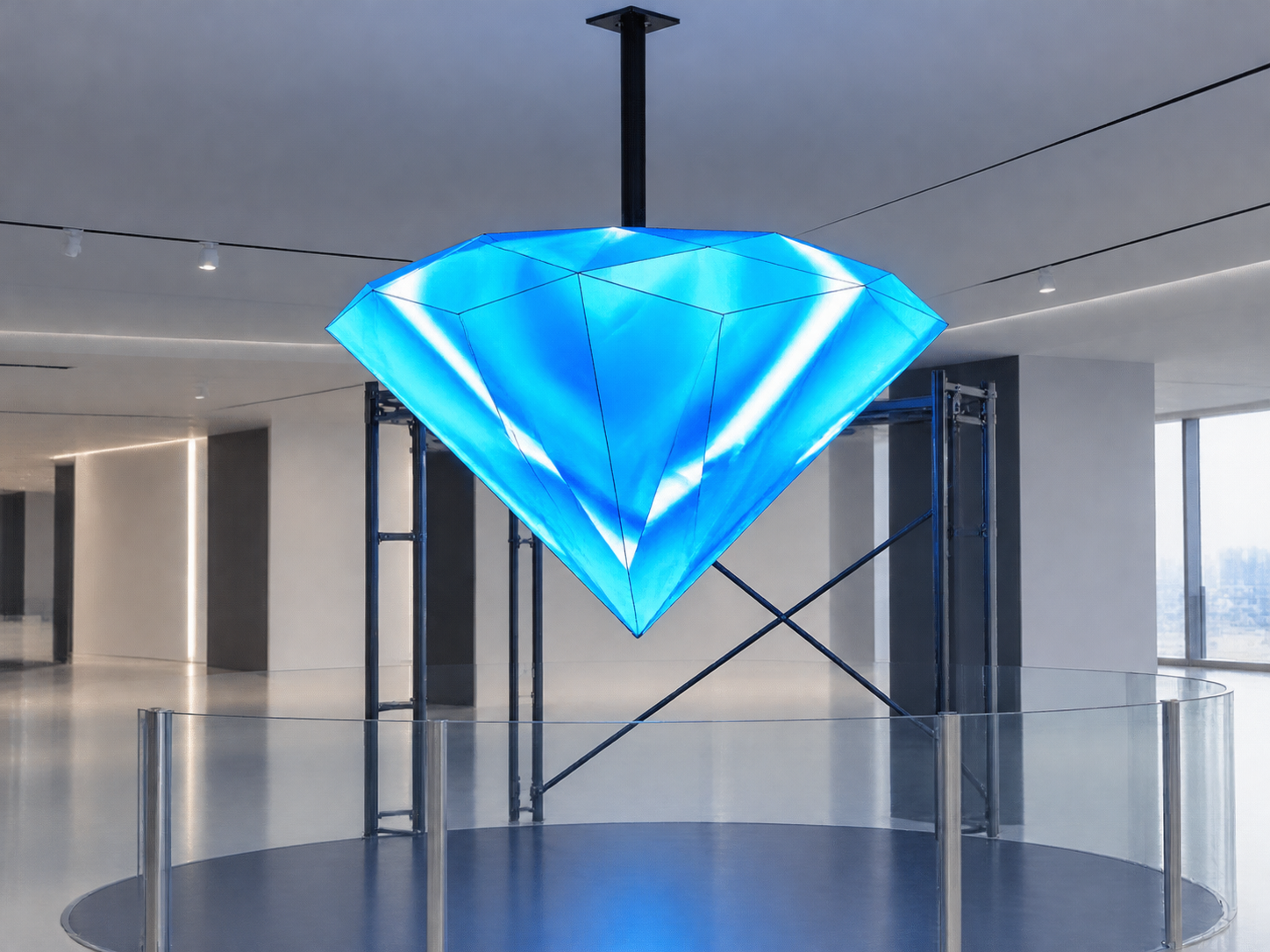
If the display is installed without considering camera positions and seating arrangements, important content may appear outside the camera frame. Some participants may also need to turn their heads or look at uncomfortable angles to read the screen.
A successful installation should therefore start with the room layout, not simply the available wall space.
In a traditional conference room, the main purpose of an LED screen is to provide clear information to people sitting in front of it.
Hybrid meetings introduce another requirement. Remote participants need to see the presenter, the displayed content, and sometimes other people in the room through a camera.
A diamond LED display may have sloping corners and a wider or narrower central section. If its position is not planned carefully, the screen can overlap with the presenter in the camera view or make the displayed content difficult to capture.
The challenge is to create a layout that works for both physical and remote participants.
Poor placement can affect meeting quality in several ways.
Camera framing problems: Part of the diamond screen may be outside the camera's field of view.
Uncomfortable viewing angles: Participants sitting at the sides may need to turn their heads to see important content.
Visual interference: A bright display behind the presenter can affect camera exposure and make faces look darker.
Content visibility issues: Text or charts placed near the angled edges may be difficult to read.
Limited space: A large supporting structure may interfere with lighting equipment, ceiling fixtures, or room circulation.
These problems are easier to prevent during planning than to correct after the screen has been installed.
Before selecting the display dimensions, check three important areas.
Camera position
Identify the main video conferencing camera and its shooting direction. Check whether the camera captures the entire screen, the presenter, and the main seating area.
For rooms with multiple cameras, consider the viewing angle of each camera rather than designing around only one position.
Seating arrangement
Mark the closest, farthest, and most extreme seating positions. The screen should remain visible from the main meeting seats without forcing participants to look too far sideways or upward.
Screen geometry
A diamond-shaped LED display has different visual boundaries from a rectangular screen. Its center, corners, and active content area should be considered separately.
The most important information should stay within the central viewing area instead of being placed close to the angled edges.
A practical approach is to create a combined camera and seating layout before manufacturing the supporting structure.
First, mark the proposed screen position on the room's elevation drawing. Then add the camera location, lens direction, presenter position, conference table, and seating positions.
Next, check the following:
Keep the main content area within the camera's visible frame.
Position the screen at a comfortable height for seated participants.
Avoid placing the display directly behind the presenter's head.
Leave enough distance between the screen and nearby lighting equipment.
Make sure the diamond's outer corners do not interfere with architectural features.
If the room has a long conference table, a slightly angled screen orientation may help improve visibility for participants sitting at both ends.
The final position should balance camera visibility and human viewing comfort.
Drawings alone cannot show every problem. A practical layout test is strongly recommended.
Before producing the final mounting structure, mark the planned screen boundaries using tape or a temporary frame.
Then conduct two separate checks.
Camera test
Set up the actual video conferencing camera at its planned location.
Capture the room using the intended camera zoom.
Check whether all important screen content is visible.
Test the presenter standing in front of the display.
Review the image on a remote meeting device.
Check whether brightness affects facial visibility.
Seating test
Inspect the screen from several positions:
The closest seat.
The farthest seat.
Both ends of the conference table.
The presenter's standing position.
Display actual meeting content, including presentation slides, charts, and small text. This helps identify areas where the diamond shape may reduce readability.
If necessary, adjust the screen height, rotation, or content layout before final installation.
A diamond-shaped LED display usually requires a customized supporting structure rather than a standard rectangular frame.
The installation plan may include:
Custom metal mounting frames to support the display geometry.
LED modules matched to the required shape.
Receiving cards and control systems for stable image transmission.
Power supplies and signal cables arranged around the installation structure.
Ventilation and maintenance access for long-term operation.
The structure should also be checked for weight, fixing points, and installation depth. In meeting rooms, it is important to avoid unnecessary projection into walkways or working areas.
Pixel pitch should be selected according to the closest viewing distance and the level of detail required by the meeting content.
Consider a corporate conference room with a long meeting table, a camera mounted near the front wall, and a presenter standing beside the display.
The original design places a large diamond LED screen directly behind the presenter. During testing, the camera captures only part of the screen, while participants sitting at the far end struggle to read content near its upper corners.
A better solution is to adjust the screen position and rotation, keeping the main content area closer to the camera's central viewing zone. The presenter can stand slightly to one side, and important information can remain within the central section of the diamond.
This approach creates a more balanced experience for both in-room and remote participants.
Q1: Is a diamond-shaped LED display suitable for a hybrid meeting room?
Yes. It can provide a distinctive visual design while displaying presentations, company branding, and meeting information. However, camera framing and seating visibility should be checked before installation.
Q2: Should the LED display be placed directly behind the presenter?
Not always. The position depends on the camera angle, screen dimensions, and presenter movement. A slightly offset position may provide better framing.
Q3: How can I prevent screen content from being cut off in video calls?
Test the actual camera framing before installation. Keep important text and graphics within the central content area and avoid relying on the outer diamond corners.
Q4: Does a diamond LED display require a customized frame?
In most projects, yes. The frame should match the display geometry and provide suitable support, cable routing, and maintenance access.
Shenzhen Ai Display Technology Co., Ltd. specializes in innovative LED display solutions, including indoor LED screens, spherical displays, and customized irregular-shaped LED displays.
With OEM/ODM manufacturing capabilities, a professional engineering team, and CNC processing technology, the company can develop display structures according to different project requirements. Its experience covers commercial spaces, exhibitions, conferences, stage events, and other applications in more than 100 countries and regions.
For hybrid meeting room projects, the display shape should be considered together with room dimensions, camera positions, seating layouts, and content requirements.
By sharing the room drawings, installation dimensions, expected viewing distances, and camera positions in advance, customers can work with the engineering team to develop a more suitable custom LED display solution.
Contact Shenzhen Ai Display to discuss your customized LED display project.
 Hot News
2026-10-30
2026-10-29
2026-10-28
Copyright © 2025 by Shenzhen Ai Display Technology Co., Ltd - Privacy policy
 EN
EN