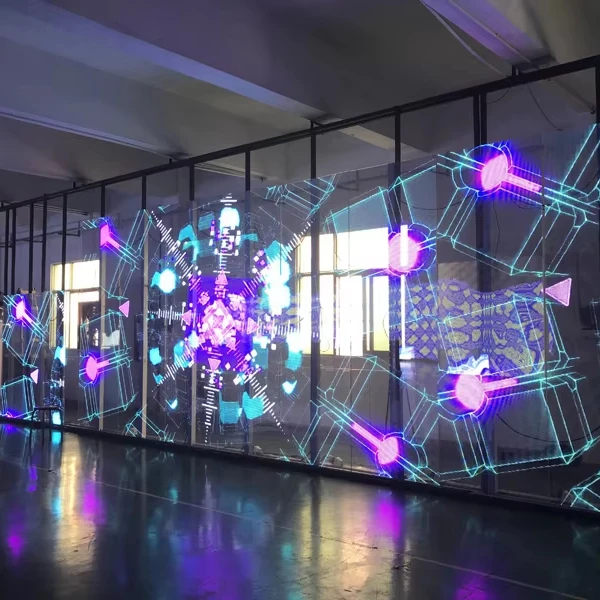
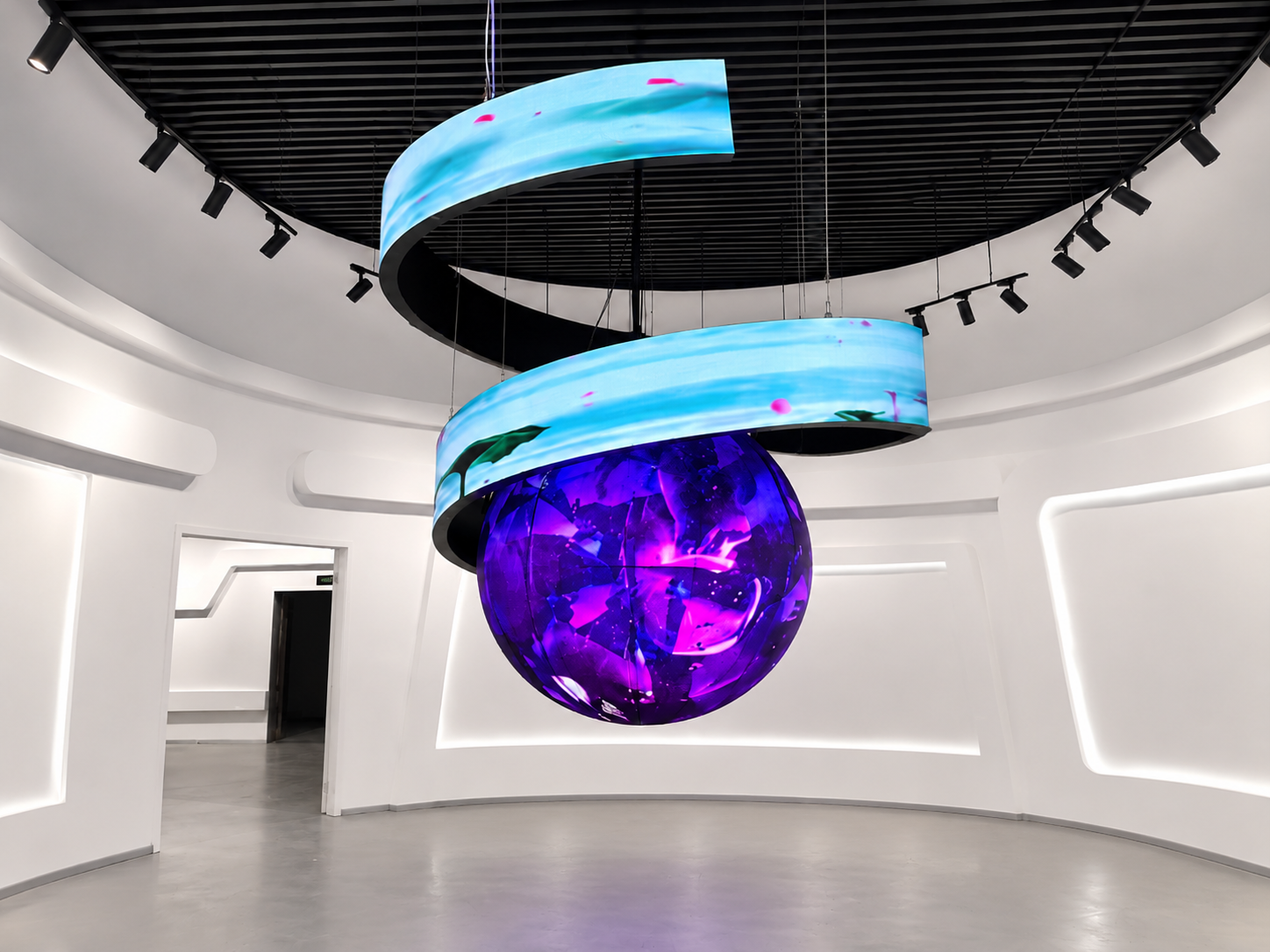
Curved LED displays are widely used in television studios, live events, virtual production environments, and large conference stages. Their curved surfaces create immersive backgrounds and allow cameras to capture more dynamic images.
However, when several cameras record the same LED screen, synchronization becomes an important technical issue.
A display may look completely normal to the audience but show horizontal lines, flickering, or partial image distortion through a broadcast camera. These problems often appear when the camera exposure timing and LED refresh cycle are not properly coordinated.
This is where Genlock synchronization becomes important.
Genlock allows multiple video devices to follow a shared timing reference. When the LED video processor and camera system support compatible synchronization, they can maintain more consistent frame timing during live production.
Poor synchronization can create several problems during a live broadcast.
Visible flickering: The camera may capture LED refresh cycles at inconsistent moments, producing brightness fluctuations.
Rolling horizontal lines: Different parts of the image may appear at different brightness levels because of the relationship between camera exposure and LED scanning.
Frame instability: Camera feeds may not align correctly with the production system, especially when switching between different sources.
Inconsistent image quality: A curved LED screen may look smooth from one camera angle but show visible artifacts from another.
These issues can affect the final broadcast even when the LED display passes a normal visual inspection.
For professional productions, synchronization should therefore be checked before the event begins.
Several factors can contribute to timing problems between cameras and LED displays.
A camera may operate at 25, 30, 50, or 60 frames per second, while the video processor uses a different output timing configuration.
If these settings are not properly coordinated, frame timing problems may occur.
A Genlock system requires a compatible reference signal, such as black burst or tri-level sync, depending on the equipment.
If cameras and video processors use different references or incompatible settings, synchronization may fail.
Even when devices follow the same reference signal, their timing phase may not be correctly aligned.
This can create unstable image capture or visible artifacts during camera movement and switching.
LED displays use scanning and driving systems to control pixel brightness. Their refresh behavior and camera exposure timing can affect how the screen appears on camera.
Therefore, a high refresh rate alone does not guarantee flicker-free broadcast footage.
A reliable synchronization setup should be planned before the broadcast.
Step 1: Confirm Equipment Compatibility
Check whether the cameras, video switcher, and LED video processor support external synchronization.
Not every LED controller has a dedicated Genlock input. Confirm the actual equipment specifications before designing the signal path.
Step 2: Select a Common Reference Source
Use a suitable sync generator or the production system's master reference.
Distribute the reference signal to compatible cameras and video processing equipment according to their technical requirements.
Step 3: Match Frame Rates
Confirm that the camera frame rate, production frame rate, and LED processor output settings are compatible.
For example, a production working at 50 fps should use a coordinated timing configuration throughout the signal chain.
Step 4: Adjust Timing Phase
Check horizontal and vertical timing alignment using the available processor and camera settings.
Make small adjustments while monitoring the actual camera output.
Step 5: Verify Every Camera
Do not test only the main camera. Repeat the process for every camera that may capture the curved LED display.
A practical test should include more than checking whether the LED screen turns on correctly.
The following procedure helps identify synchronization problems before the event.
Test 1: Static Image Test
Display a gray background with fine horizontal and vertical lines.
Record the screen using each camera and check for flickering, dark bands, or uneven brightness.
Test 2: Frame Timing Test
Display a moving test pattern with a visible frame counter or time reference.
Compare the recorded footage from different cameras to identify unexpected frame changes or timing inconsistencies.
Test 3: Camera Switching Test
Switch between all connected cameras through the production switcher.
Check whether the screen image remains stable after every camera transition.
Test 4: Exposure and Shutter Test
Test the actual camera frame rate and shutter settings that will be used during the broadcast.
If artifacts remain, adjust the camera exposure timing and LED processor configuration together.
Test 5: Long-Duration Test
Run the complete system continuously for at least 30–60 minutes.
Monitor signal stability, image consistency, and unexpected interruptions.
Record the final settings so that the production team can restore the configuration if equipment needs to be restarted.
A curved LED display system involves several components that influence broadcast performance.
LED modules: Flexible or specially designed modules create the required curved surface.
Receiving cards: They receive image data and control the operation of individual LED sections.
Sending system: It transfers processed image signals to the LED display.
Video processor: It manages input sources, output resolution, and supported synchronization functions.
Signal cables: Proper cable selection and connections help maintain reliable signal transmission.
Sync generator: It provides the common timing reference when required by the system design.
For curved installations, cabinet geometry, module alignment, and content mapping also need to be checked. These factors affect visual continuity, although they do not replace electronic synchronization.
Learn more about our Curved LED Display Solutions.
Consider a television studio using a large curved LED background with three cameras positioned at different angles.
Camera A captures the presenter from the front, Camera B records a side view, and Camera C provides a wide shot.
During rehearsal, Camera A shows a stable image, but Camera B captures horizontal brightness bands. Camera C also shows occasional flickering when the production team switches between sources.
The engineering team first checks the camera frame rates and processor output settings. They then confirm the reference signal connections and adjust the timing phase.
Finally, all three cameras repeat the recording and switching tests.
This process helps the production team identify problems before the actual broadcast and reduces the risk of unexpected visual interruptions.
Q1: What is Genlock in LED display systems?
Genlock is a synchronization method that allows compatible video devices to follow a shared timing reference, helping maintain consistent video timing.
Q2: Does a high LED refresh rate eliminate camera flickering?
Not necessarily. Refresh rate is important, but camera shutter settings, LED scanning behavior, and synchronization also affect recorded images.
Q3: Can multiple cameras use one Genlock reference?
Yes. A suitable reference distribution system can provide synchronization to multiple compatible cameras and video devices.
Q4: Should curved LED displays be tested with cameras before installation handover?
Yes. Testing with the actual production cameras is recommended because problems may only become visible during recording.
Q5: Is Genlock necessary for every curved LED display project?
No. It depends on the application. Projects involving professional multi-camera broadcasting and live video production benefit most from coordinated synchronization.
A successful curved LED display project requires more than an attractive screen shape. Display structure, module selection, signal transmission, image processing, and installation quality all influence the final result.
AILEDDISPLAY, operated by Shenzhen Ai Display Technology Co., Ltd., provides LED display solutions for stage rentals, sporting events, conferences, exhibitions, and commercial installations.
The company offers customized LED display designs to meet different project dimensions, shapes, and application requirements. Its product range includes flexible curved LED panels and other creative display solutions.
With experience serving customers in more than 100 countries, AILEDDISPLAY focuses on product customization, display quality, and project support.
For broadcast studios, live event organizers, and AV integrators, choosing the right curved LED display manufacturer is an important step toward building a stable and visually consistent display system.
Contact AILEDDISPLAY to discuss your curved LED display project and technical requirements.
 Hot News
2026-11-03
2026-10-30
2026-10-29
Copyright © 2025 by Shenzhen Ai Display Technology Co., Ltd - Privacy policy
 EN