Museums are very different from shopping malls or commercial exhibition halls.
A customized LED display for a museum should attract attention, but it should not become the brightest object in the room.
Visitors still need to see the exhibit clearly. They need to read wall labels, object descriptions, maps, and historical information without being distracted by moving images or excessive LED brightness.
This creates a special design problem.
The goal is not simply to make the LED display brighter or larger. The goal is to make the screen become part of the exhibition environment.
Many indoor LED displays are designed to produce strong visual impact.
This works well in retail stores, events, and commercial spaces. In a museum, however, the surrounding lighting may be intentionally low.
A sculpture may be illuminated with a narrow spotlight. A historical object may be displayed inside a dark showcase. Printed labels may use soft lighting to improve reading comfort.
If an LED screen beside these exhibits operates at high brightness, visitors' eyes naturally move toward the screen first.
The exhibit becomes secondary.
The LED display may also create reflections on glass showcases, polished floors, metal objects, or protective acrylic panels.
For this reason, museum LED design should start with the exhibition lighting rather than the maximum screen brightness.
The screen should be tested under the same lighting conditions that visitors will experience.
Do not only test the display in a bright factory.
For example, a screen that looks comfortable at 800 nits inside a production workshop may appear extremely bright inside a dark museum gallery.
A better approach is to prepare several brightness levels during commissioning.
The control system can create different presets for:
normal visiting hours;
darker exhibition areas;
evening operation;
maintenance lighting;
special presentations.
Automatic or scheduled brightness adjustment can also be used when necessary.
The objective is simple: the custom LED display should remain visible without becoming the main light source in the room.
Brightness is only one part of the problem.
Color temperature can also affect the relationship between the LED screen and the exhibit.
For example, a museum may use warm 3000K lighting around historical artifacts. If the nearby LED screen produces extremely cool white images, the difference can make the screen look visually disconnected from the exhibition.
Content designers should therefore check white backgrounds, gray tones, skin tones, and neutral colors under the real museum lighting.
Where possible, avoid using large full-white areas for long periods.
Darker backgrounds and controlled highlights usually integrate more naturally into low-light galleries.
Museum labels have a completely different job from an LED screen.
The label provides information that visitors need to stop and read.
The LED screen provides movement, explanation, atmosphere, or supporting visual content.
These two elements should not compete for the same visual area.
Before deciding the LED screen position, mark the normal reading zone around every nearby label.
Check:
visitor eye level;
label height;
average reading distance;
viewing direction;
screen-to-label distance;
possible reflections.
If visitors must look directly past a moving LED screen to read a small label, the screen position should be reconsidered.
For a custom shaped LED display, the geometry can also be adjusted around these reading zones.
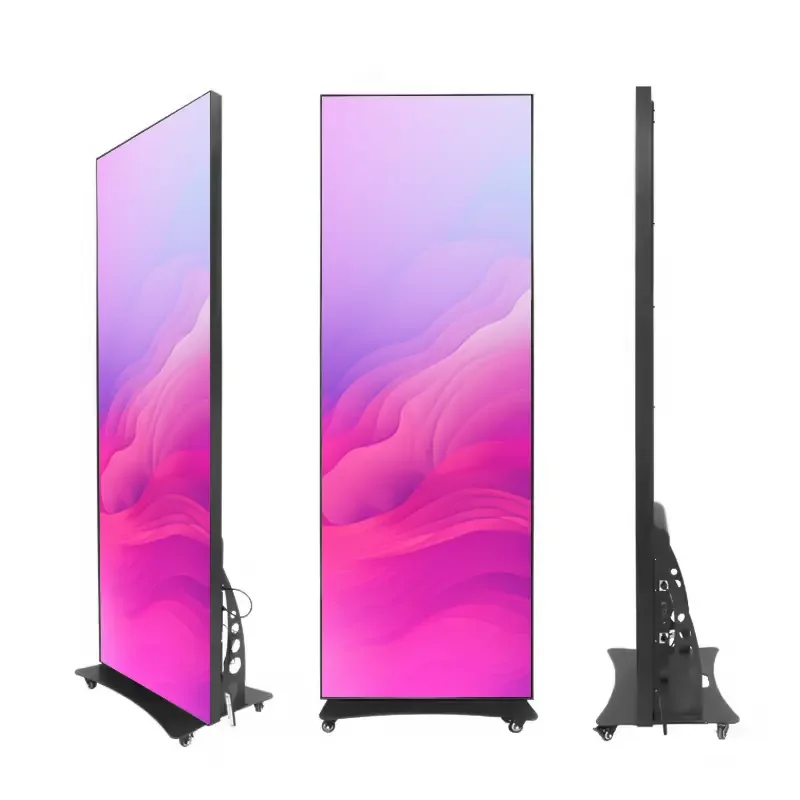
Instead of installing one large rectangular screen, the LED surface may be designed as a narrow curve, circular element, column, ribbon, or another customized form that leaves important information areas open.
Fast movement can be more distracting than high brightness.
This is especially important when the screen is installed close to paintings, artifacts, models, or text panels.
Continuous flashing, rapid cuts, large white transitions, and high-contrast animations can pull attention away from the collection.
Museum content usually works better with slower movement.
For example:
slow rotations of a 3D artifact model;
historical timelines;
gradual map animations;
subtle background movement;
close-up details of an exhibit;
short explanatory sequences.
The LED screen should support the story instead of creating a second exhibition beside the original one.
One useful test is to recreate the expected exhibition lighting before shipment.
The factory does not need to reproduce the entire museum.
Instead, create a small viewing test.
Place the customized LED display in a darker environment and add representative spotlights near it.
Then place a printed label or sample information panel beside the screen.
Test the display from several visitor positions.
Check whether:
the label remains easy to read;
the LED screen creates reflections;
dark exhibits remain visible;
white content feels too strong;
motion repeatedly pulls attention away from the object.
Video recordings can also be made at several brightness levels for the museum designer or project team to compare before installation.
This test provides much more useful information than checking brightness specifications alone.
Museums often need more than a normal flat LED wall.
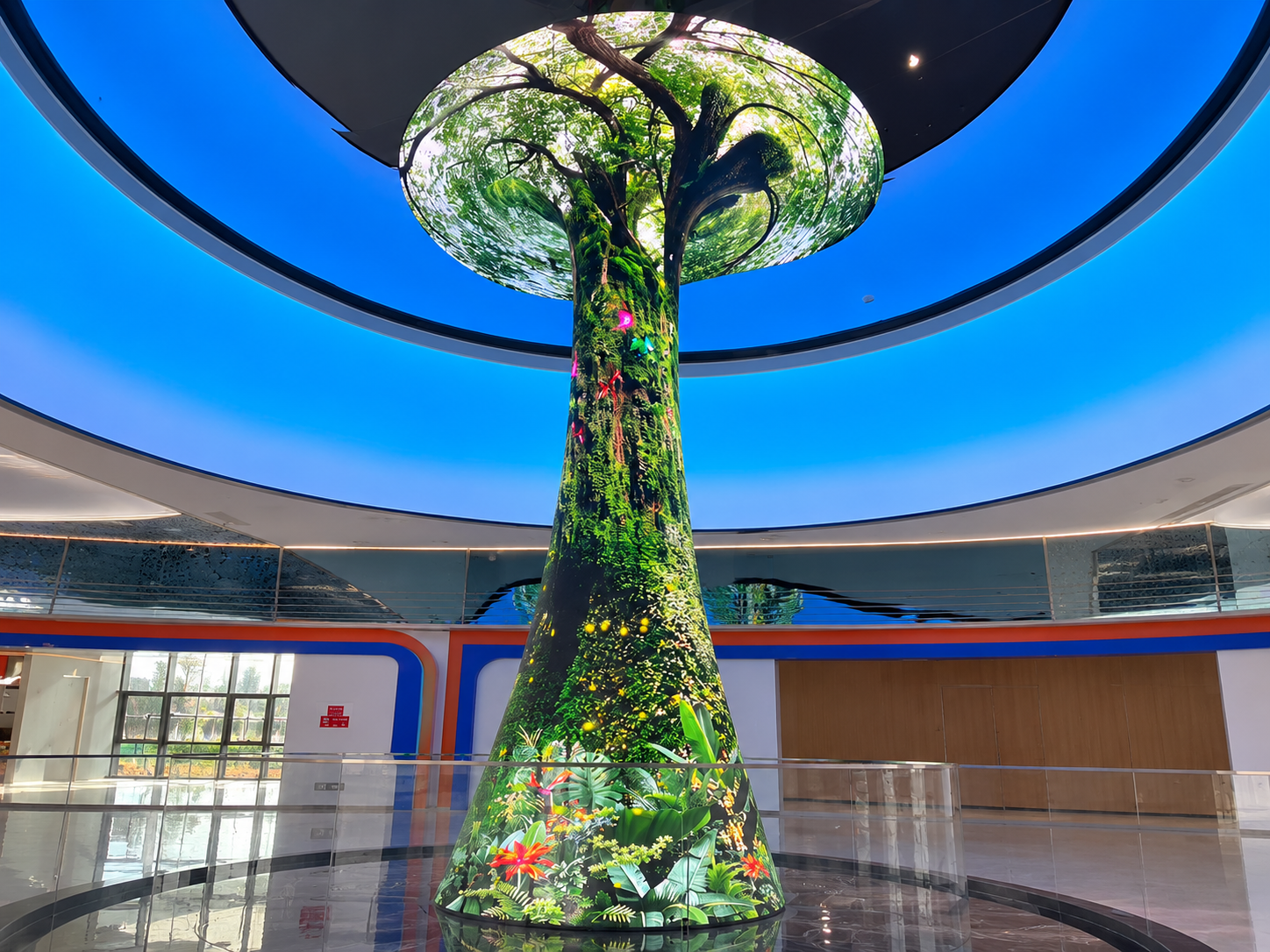
A customized LED display may need to follow an architectural surface, wrap around a column, create a circular information point, or form a curved digital background.
Flexible LED modules and customized supporting structures allow the screen geometry to follow the exhibition design.
However, maintenance access must still be considered.
Power supplies, receiving cards, cables, and modules should be positioned so technicians do not need to move valuable exhibits during normal servicing.
The screen structure should also avoid blocking lighting tracks, ventilation openings, CCTV cameras, signs, or emergency systems.
Consider a museum gallery displaying historical objects inside several glass showcases.
Instead of installing a bright rectangular video wall behind the collection, the designer uses a low-profile curved LED band along one side of the gallery.
The screen displays dates, maps, archival photographs, and slow-moving visual transitions.
Brightness is reduced to match the gallery lighting.
Important labels remain outside the screen's main visual zone.
The result is still digital and interactive, but visitors can move naturally between the physical objects and supporting information.
This is where customization becomes useful: not because the screen looks unusual, but because its shape solves a real exhibition problem.
There is no single correct brightness level. It depends on the exhibition lighting, viewing distance, nearby objects, and screen position. Final brightness should be confirmed through an on-site or simulated lighting test.
Yes. The important factors are low-brightness performance, grayscale quality, content design, reflection control, and adjustable brightness.
It can be useful when gallery lighting changes during the day. Preset brightness modes can also provide more predictable control.
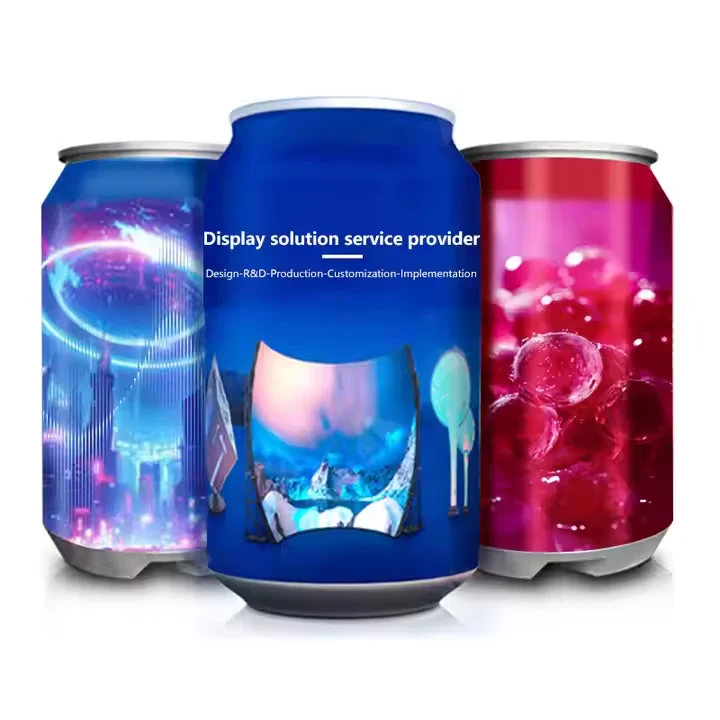
Depending on the project, LED displays can be designed as curved screens, cylinders, circular screens, spheres, ribbons, irregular surfaces, and other customized structures.
AILED provides customized LED display solutions for museums, exhibition halls, commercial spaces, and creative installations.
Our team can support projects from early structural planning to module selection, control
Copyright © 2025 by Shenzhen Ai Display Technology Co., Ltd - Privacy policy
 EN
EN
 Hot News