An indoor LED display in a lecture hall has a different job from a screen in a shopping mall or exhibition booth. It does not only need to look bright and colorful. Students, teachers, guests, and conference attendees must be able to read the same content from very different distances.
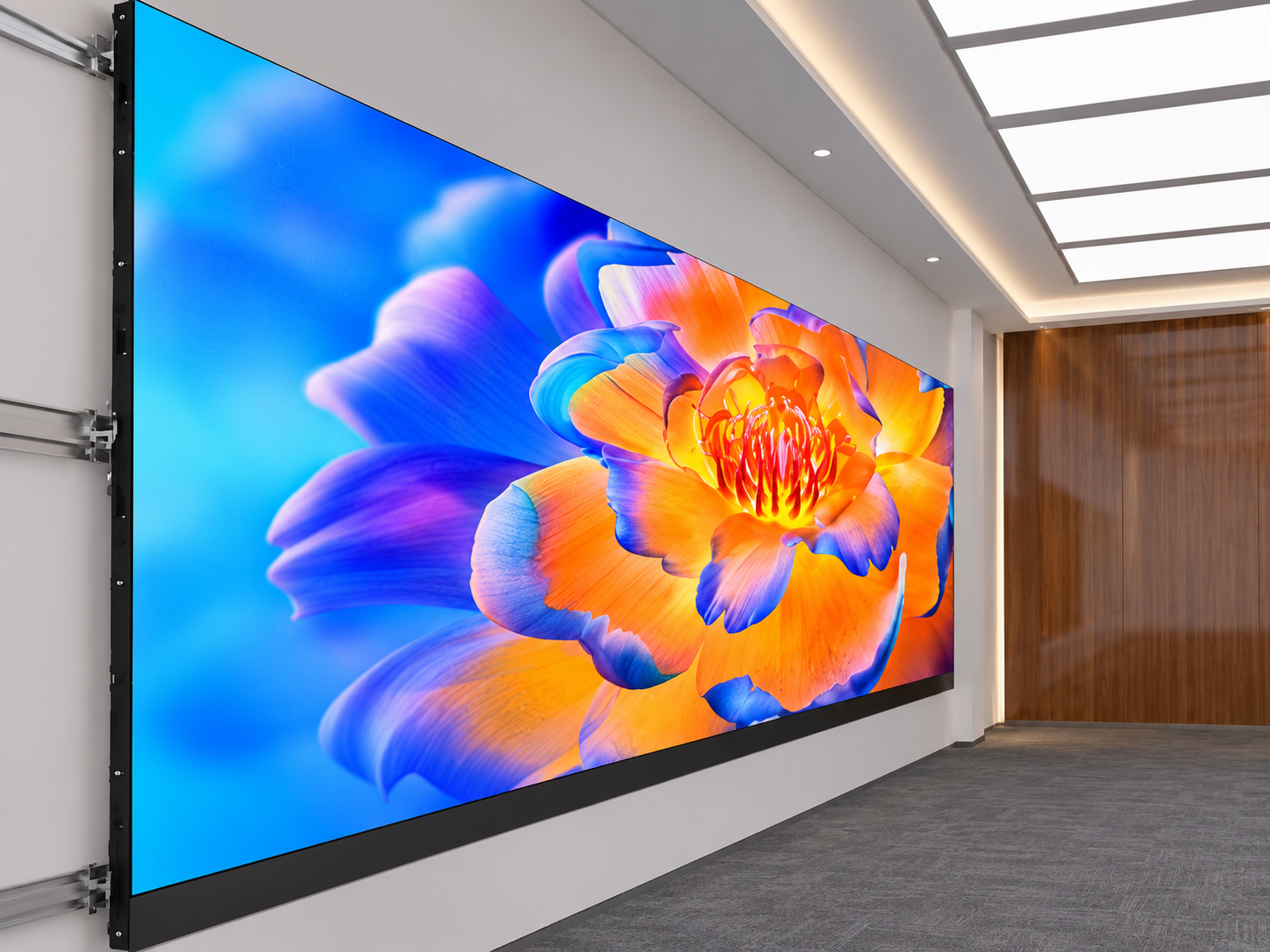
The person sitting in the first row may be only a few meters from the screen, while someone in the back row may be 15, 20, or even 30 meters away.
If the LED display is designed only for the front rows, the text may become too small at the back. If it is designed only for long-distance viewing, the image may feel too bright or coarse for people sitting close to the stage.
For this reason, an indoor LED display for lecture halls should be designed around the complete viewing area, not only the screen itself.
A lecture hall LED screen often shows more text than a normal advertising display.
Typical content includes:
PowerPoint slides
Course titles
Charts and tables
Video material
Speaker names
Conference schedules
Data and technical diagrams
If people in the back rows cannot read small words or numbers, important information is lost.
At the same time, poor screen positioning can create another problem. People sitting close to the stage may need to raise their heads too much, while taller people or equipment may block the view for rows behind them.
Good readability therefore depends on several factors working together.
One common mistake is choosing the LED screen only according to wall size.
A large wall does not automatically mean that all viewers can read the content.
Several design problems can reduce visibility.
First, the screen may be too small for the room depth. A presentation that looks clear from five meters may become difficult to read from twenty meters.
Second, the pixel pitch may not match the nearest viewing distance. If people sit very close to a large-pitch LED screen, individual pixels may become noticeable.
Third, the text used in presentations may simply be too small.
Another problem is excessive content density. Even a high-resolution indoor LED display cannot make a slide with dozens of small lines comfortable to read from the back row.
Brightness and contrast also matter. A screen that is too bright in a dark hall can cause eye fatigue, especially for the front rows.
Before choosing the display, measure two distances:
D1: nearest normal viewing distance
This is usually the distance from the LED screen to the first row.
D2: farthest normal viewing distance
This is the distance from the screen to the last row or balcony.
These two values help determine the screen size, pixel pitch, installation height, and content format.
For lecture halls with relatively short viewing distances, a fine-pitch indoor LED screen such as P1.5, P1.8, P2, or P2.5 may provide smoother text and graphics.
However, pixel pitch should not be selected alone.
The actual screen dimensions and the size of the information shown on the screen are equally important.
One of the easiest ways to test an LED display design is to use real presentation content before installation.
Do not test only with promotional videos.
Prepare slides containing:
Main titles
Normal paragraph text
Small numbers
Tables
Diagrams
English letters
Chinese characters if required
Then check the content from the planned back-row distance.
If normal presentation text cannot be read comfortably, simply increasing brightness is not the solution. The screen may need to be larger, the text may need to be enlarged, or the page layout may need to be simplified.
For lecture halls, important information should use strong contrast and avoid thin fonts.
Screen height affects every row.
If the bottom edge of the LED screen is too low, people, desks, lecterns, or stage equipment may block part of the image.
If it is too high, the front rows may experience an uncomfortable viewing angle.
During planning, installers should check the sightline from several positions, including:
First row
Middle rows
Last row
Left side
Right side
If the lecture hall has a raised floor, stepped seating, or a balcony, these areas should also be tested separately.
A simple site drawing can help identify blocked viewing areas before the steel structure is manufactured.
Indoor lecture halls do not normally require the same brightness as outdoor advertising screens.
Too much brightness can make white presentation pages uncomfortable to watch from short distances.
Brightness should be adjusted according to the room lighting.
For example, the display may use one setting during a bright daytime lecture and a lower setting during video playback or a dark presentation.
Good grayscale performance is also important. When brightness is reduced, text, dark backgrounds, and image details should remain stable instead of becoming uneven.
A useful acceptance test is a multi-row readability test.
Display the same PowerPoint page, chart, and video content that will be used after installation.
Then check the screen from at least three positions:
Position A: front row
Check pixel visibility, brightness, and eye comfort.
Position B: middle row
Check normal text, colors, and image proportions.
Position C: back row
Check whether titles, numbers, tables, and important labels can still be read.
This test gives more useful information than simply checking whether the LED modules are working.
Lecture halls often require a clean installation because the LED screen becomes part of the interior design.
Depending on the wall structure, the display can use front-service LED modules so technicians can remove modules, power supplies, or receiving cards from the front.
This can reduce the maintenance space required behind the screen.
The installation structure should also keep the cabinet surface flat. Uneven cabinets may create visible seams, especially when the screen displays white PowerPoint pages or light-colored backgrounds.
Signal and power connections should be organized so that maintenance work does not interrupt the complete display unnecessarily.
Consider a university lecture hall where the nearest viewers are about 4 meters from the stage and the back rows are around 22 meters away.
Instead of simply installing the largest screen that fits the wall, the design team can first simulate typical teaching content.
A fine-pitch indoor LED display is selected to provide smooth text for the front rows. The screen dimensions are then adjusted so presentation titles and important chart labels remain visible from the rear seats.
The bottom edge of the display is raised above the main stage furniture to reduce obstruction.
During commissioning, brightness is reduced to match the indoor lighting environment, and several PowerPoint pages are tested from the front, middle, and rear seating areas.
The result is a screen that works for teaching rather than only looking impressive when viewed from the stage.
It depends mainly on the nearest viewing distance, screen size, and content. P1.5, P1.8, P2, and P2.5 are common options for indoor applications, but the complete viewing environment should be checked before selection.
No. Excessive brightness can be uncomfortable for people sitting near the screen. Indoor brightness should match the ambient lighting.
Lecture hall screens often display text-heavy content. Testing real slides helps confirm whether words, numbers, and charts remain readable from the back rows.
Yes. Front-service modules are useful when there is limited maintenance space behind the LED wall.
A successful lecture hall LED display should work for the entire room.
Screen size, pixel pitch, text scale, installation height, brightness, contrast, and viewing distance should be considered together.
At AILED, we provide customized indoor LED display solutions for lecture halls, conference rooms, universities, training centers, and other indoor spaces. We can support screen sizing, pixel pitch selection, structural design, control systems, installation planning, and display testing based on the actual room layout.
Learn more about customized LED display solutions at AILEDDisplay.com.
 Hot News
2026-10-03
2026-09-30
2026-09-29
Copyright © 2025 by Shenzhen Ai Display Technology Co., Ltd - Privacy policy
 EN
EN