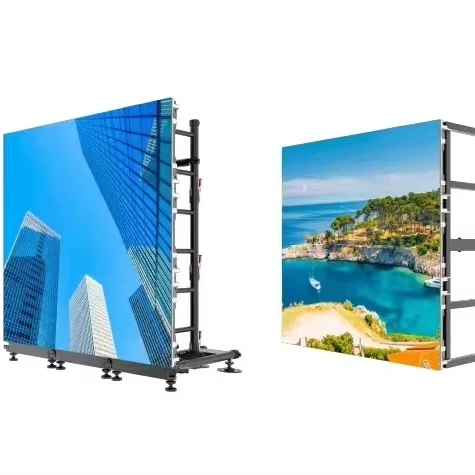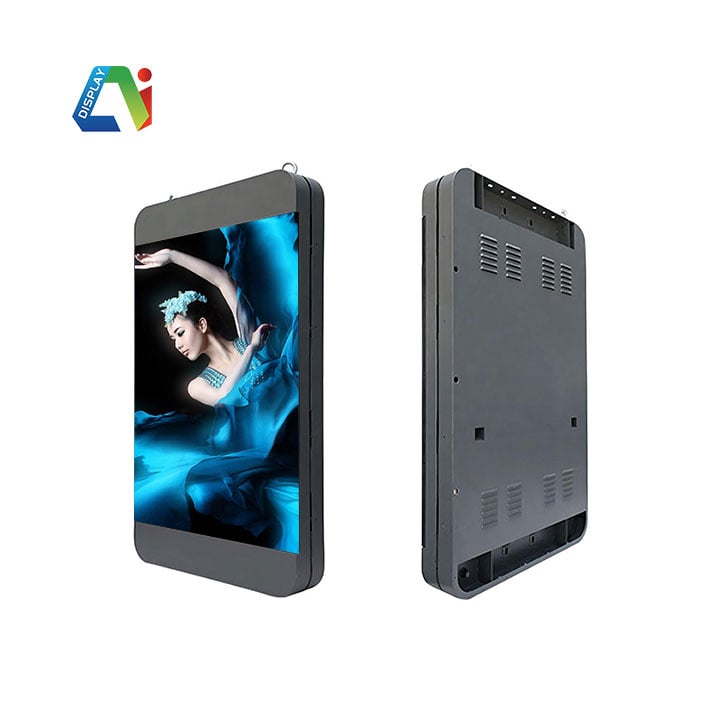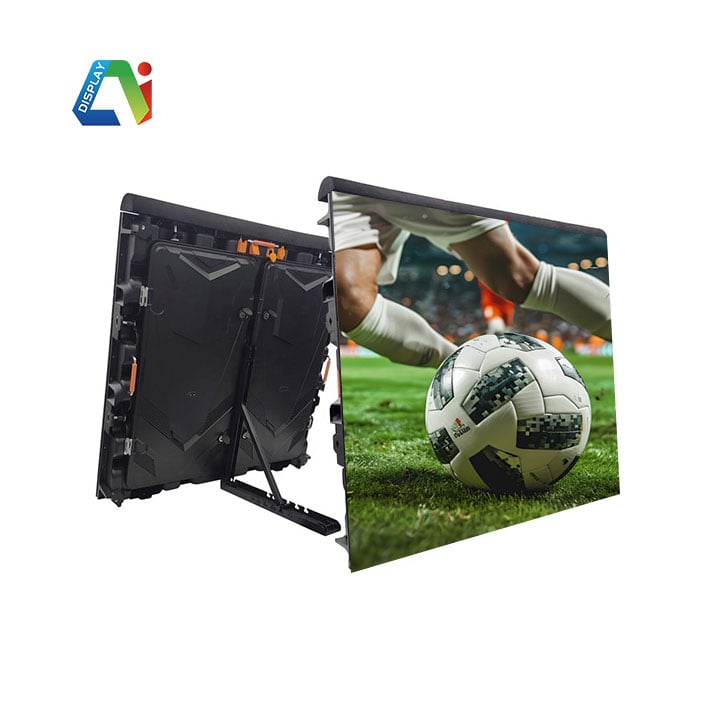
Cleaning an LED display may seem simple, but using the wrong method can cause irreversible damage. Many users assume that wiping the screen with a damp cloth is harmless. In reality, this common mistake often leads to short circuits, pixel failure, and long-term performance issues. If you want to protect your investment and maintain optimal display quality, you need to understand why moisture and LED screens do not mix—and what to do instead.
Most indoor LED modules do not include waterproof protection. When you use a damp cloth, water seeps through tiny gaps between LEDs, module seams, and the surface mask. Once moisture reaches the internal PCB, driver ICs, or power lines, serious problems follow.
If the screen is powered on, even a small amount of moisture can instantly trigger a short circuit, burn chips, or damage LEDs. Even if the screen is off, trapped moisture gradually corrodes circuits and oxidizes solder joints. As a result, you may start to see flickering, random noise, or the so-called “caterpillar effect” over time.
A damp cloth often contains impurities and particles. When you wipe the surface, friction can scratch the LED beads and protective mask. This leads to brightness loss and color inconsistency.
Moreover, applying too much pressure can loosen or even detach LEDs, creating dead pixels. After the water evaporates, it may also leave behind white stains or foggy marks that are difficult to remove.
Most LED displays feature specialized surface coatings, such as anti-glare, anti-static, and optical enhancement layers. Water—especially when mixed with cleaning agents—can degrade or dissolve these coatings.
Once damaged, the screen may appear hazy or overly reflective. In addition, color accuracy drops, contrast weakens, and permanent blotches may form on the surface.
Moisture does not simply disappear after cleaning. Instead, it often remains trapped inside the cabinet, where it continues to cause damage. Over time, this leads to reduced insulation performance, accelerated component aging, and increased risk of leakage, signal interference, and display instability.
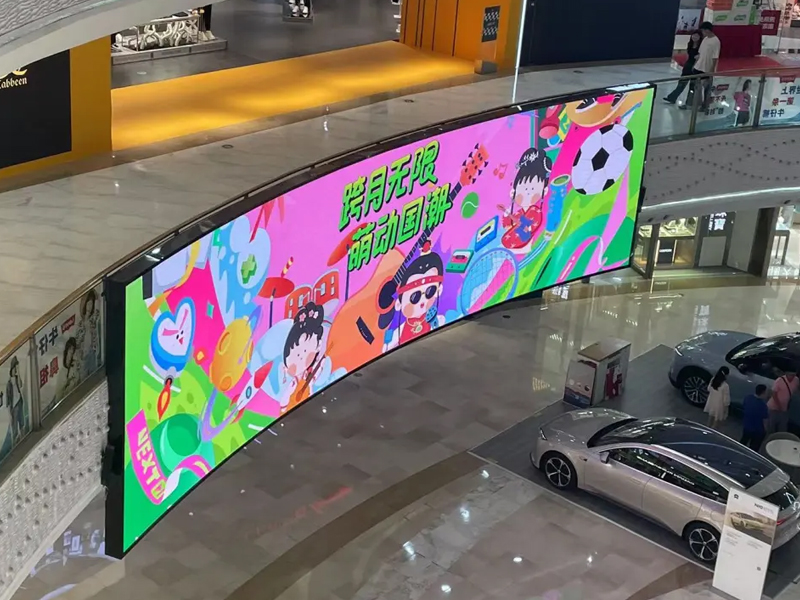
Always turn off the display before cleaning. Then allow it to cool down completely. This step prevents thermal shock and protects internal components from sudden temperature changes.
For routine cleaning, focus on dry methods:
When you encounter tougher dirt, use a dedicated screen cleaning solution. However, always spray the liquid onto the cloth—not directly onto the screen.
Keep the cloth slightly damp, not wet. Then gently dab the stained area instead of scrubbing. Immediately follow with a dry cloth and allow proper ventilation to ensure complete drying.
To avoid costly damage, follow these strict rules:
Proper cleaning plays a critical role in extending the lifespan of your LED display. While a damp cloth may seem convenient, it introduces serious electrical, mechanical, and chemical risks. Instead, adopt dry cleaning methods and controlled techniques to maintain both performance and appearance. With the right approach, you can keep your LED screen safe, clear, and reliable for years to come.
 Hot News
2026-10-21
2026-10-20
2026-10-19
Copyright © 2025 by Shenzhen Ai Display Technology Co., Ltd - Privacy policy
 EN
EN