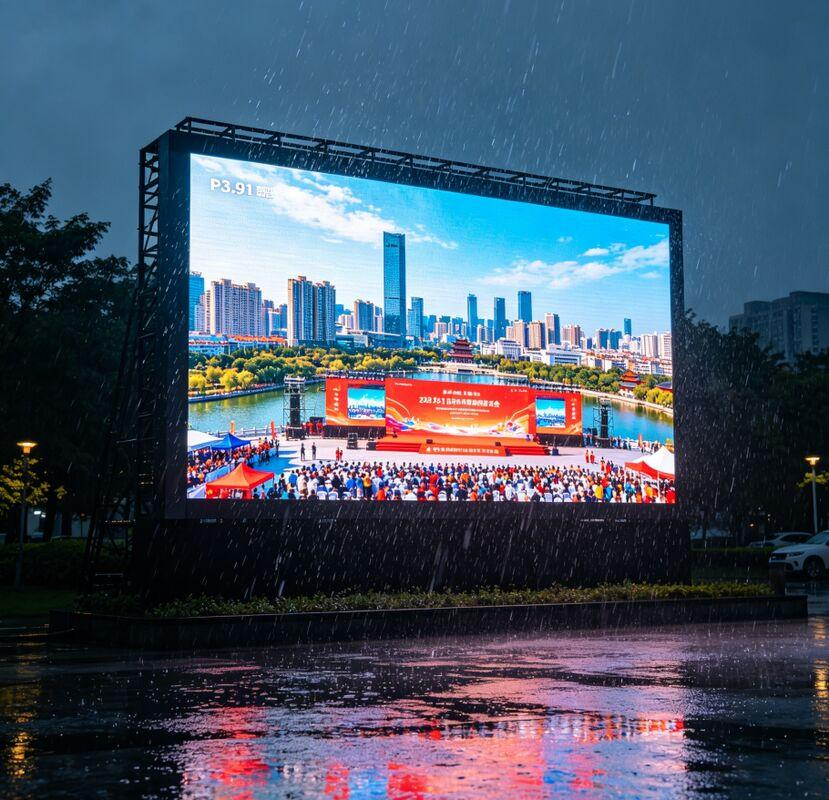
Water entering an LED display can quickly turn a small maintenance problem into serious electrical damage. Heavy rain, condensation, high humidity, damaged cabinet seals, or loose connectors can allow moisture to reach the internal electronics.
If your LED screen got wet, the most important thing is not to immediately test whether it still works. Cut the power first, locate the source of the water, and inspect the screen before restarting it.
This guide explains how to deal with LED display water damage, which components should be checked, what mistakes to avoid, and how to prevent the problem from happening again.
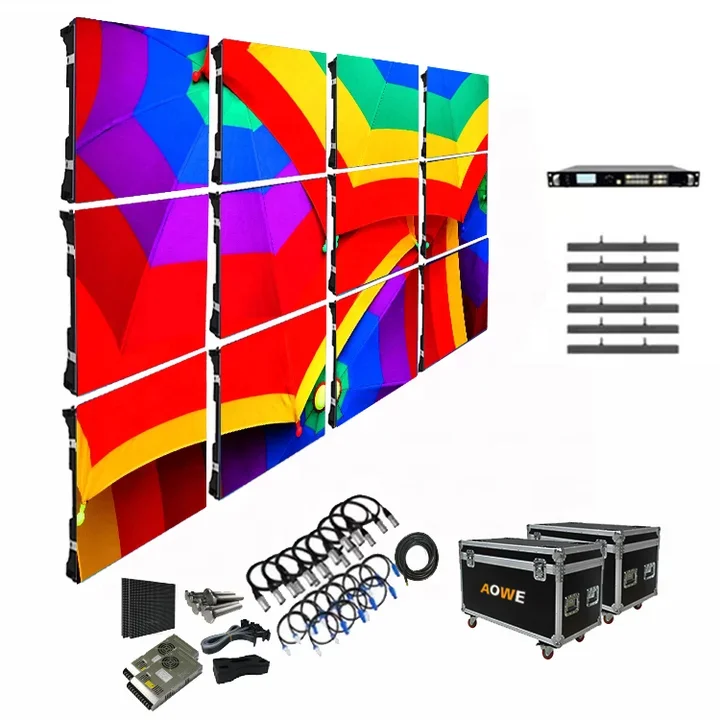
An LED display contains LED modules, PCBs, receiving cards, power supplies, HUB boards, power cables, and signal connectors.
Once water reaches these components, it can cause:
Some failures appear immediately, while others develop gradually. A display may work normally after getting wet but develop corrosion or unstable connections several days or weeks later.
That is why LED display water ingress should never be ignored.
The first step is to disconnect the LED display from its power source.
Do not repeatedly switch the screen on to see whether it still works. Water reaching a powered PCB, power supply, or connector can cause a short circuit and damage components that may otherwise have survived.
For a large installation, follow the normal electrical isolation procedure before opening the cabinet.
Before replacing any parts, find the source of the leak.
For an outdoor LED display, common causes include:
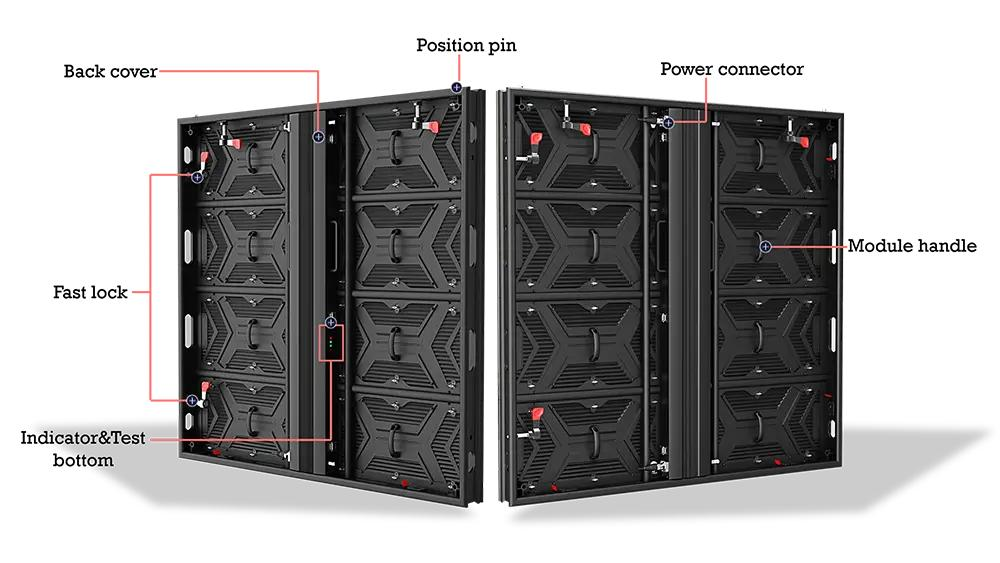
Indoor LED screens can also suffer water damage. High humidity, leaking pipes, air-conditioning systems, and temperature changes can cause condensation inside the cabinet.
Fixing the source is important. Otherwise, replacing a damaged LED module only solves the symptom.
Carefully remove any visible water around the affected area.
For serviceable LED cabinets, trained technicians can remove modules or open the rear service panel to improve ventilation.
Check especially around:
A dry LED surface does not mean the inside of the cabinet is dry.
Move removable components to a clean, dry and ventilated environment where possible.
Air circulation can help remove moisture, but avoid uncontrolled high-temperature heating. Excessive heat may damage LEDs, plastic parts, cables, adhesives, and electronic components.
The required drying time depends on the amount of water, cabinet structure, ventilation, humidity, and affected components.
For serious LED screen water damage, drying alone is not enough. Internal electronics should be inspected before power is restored.
After the screen is dry, inspect each affected component.
| Component | What to Check |
|---|---|
| LED Module | Moisture, dead pixels, discoloration |
| PCB | Water marks, corrosion, burnt areas |
| Power Supply | Water ingress or electrical damage |
| Receiving Card | Corrosion or unstable signal |
| HUB Board | Oxidized connectors |
| Power Connector | Moisture and corrosion |
| Signal Connector | Oxidized pins or poor contact |
| Cabinet | Damaged seals or gaps |
Pay particular attention to white or green corrosion around PCB components and connectors.
Several common mistakes can make LED display water damage worse.
Do not immediately turn the display back on. Moisture may remain inside even when the front surface appears dry.
Do not repeatedly test a faulty module. Repeated power-on testing may cause further electrical damage.
Do not use uncontrolled high heat. Heat guns and similar tools can damage LED modules and electronic components.
Do not only replace the visible damaged module. Find the source of the water before completing the repair.
Do not ignore corrosion. Small amounts of oxidation can eventually create unstable connections and recurring failures.
Do not assume an IP65 display can never suffer water damage. IP protection reduces the risk of water ingress, but installation quality, seal condition, connectors, maintenance, and long-term exposure also matter.
There is no universal drying time for every LED display.
Before restarting the screen, confirm that:
For severe water ingress, the electrical components should be inspected by a qualified technician before power is applied.
Testing the affected section first is generally safer than immediately running the entire LED wall.
Yes.
IP65 protection is important for an outdoor installation, but it should not be understood as meaning that an LED screen can never experience water ingress.
For example, AI Display offers outdoor LED screen solutions designed for outdoor weather conditions, while some outdoor models specify IP65 protection at the front and IP54 at the rear.
Real-world protection also depends on:
For this reason, waterproof performance should be considered as a complete system rather than a single IP number.
Preventing water damage starts with choosing the right LED display for the installation environment.
For outdoor projects, consider:
A properly designed waterproof outdoor LED display provides better protection against rain and outdoor humidity. AI Display's outdoor model, for example, lists front IP65 and rear IP54 ingress protection.
Regular inspection is still necessary. Check cabinet seals, cable entries, connectors, screws, and mounting structures, especially before and after heavy rain seasons.
Not every wet LED module needs to be replaced.
If power was disconnected quickly and the module shows no corrosion or electrical damage after proper drying and testing, it may still be usable.
Replacement is more likely when you find:
For a large LED wall, replacing individual damaged modules, power supplies, or receiving cards is usually more economical than replacing the entire display.
LED display water damage should be handled carefully. If an LED screen gets wet, disconnect the power first and do not restart it until the internal components have been properly dried and inspected.
Check the LED modules, PCBs, power supplies, receiving cards, connectors, and cabinet seals. More importantly, find the source of the water ingress instead of simply replacing the visibly damaged part.
For projects exposed to rain, humidity, or changing weather, choosing a properly designed outdoor waterproof LED display and performing regular maintenance can significantly reduce long-term failure risks.
AI Display provides indoor, outdoor, and customized LED display solutions for different installation environments.
Yes, in some cases. If power is disconnected quickly and the components have not suffered permanent electrical damage, the screen may operate normally after complete drying, inspection, and testing.
There is no fixed drying time. It depends on the amount of water, humidity, cabinet structure, ventilation, and affected components. The condition of the electronics should determine when the screen is safe to test.
 Hot News
Copyright © 2025 by Shenzhen Ai Display Technology Co., Ltd - Privacy policy
 EN
EN