A power failure can turn an entire LED display black within seconds. For a small advertising screen, this may only cause a short interruption. For a live event, control room, stadium, shopping mall, or large outdoor display, the result can be much more serious.
This is why a reliable LED display backup power system should be considered during project design rather than after installation.
A good backup design is not simply adding a UPS. It requires you to understand the screen's maximum power demand, decide which equipment needs backup, divide the system into power zones, and choose the right level of redundancy.
Here is a practical way to design it
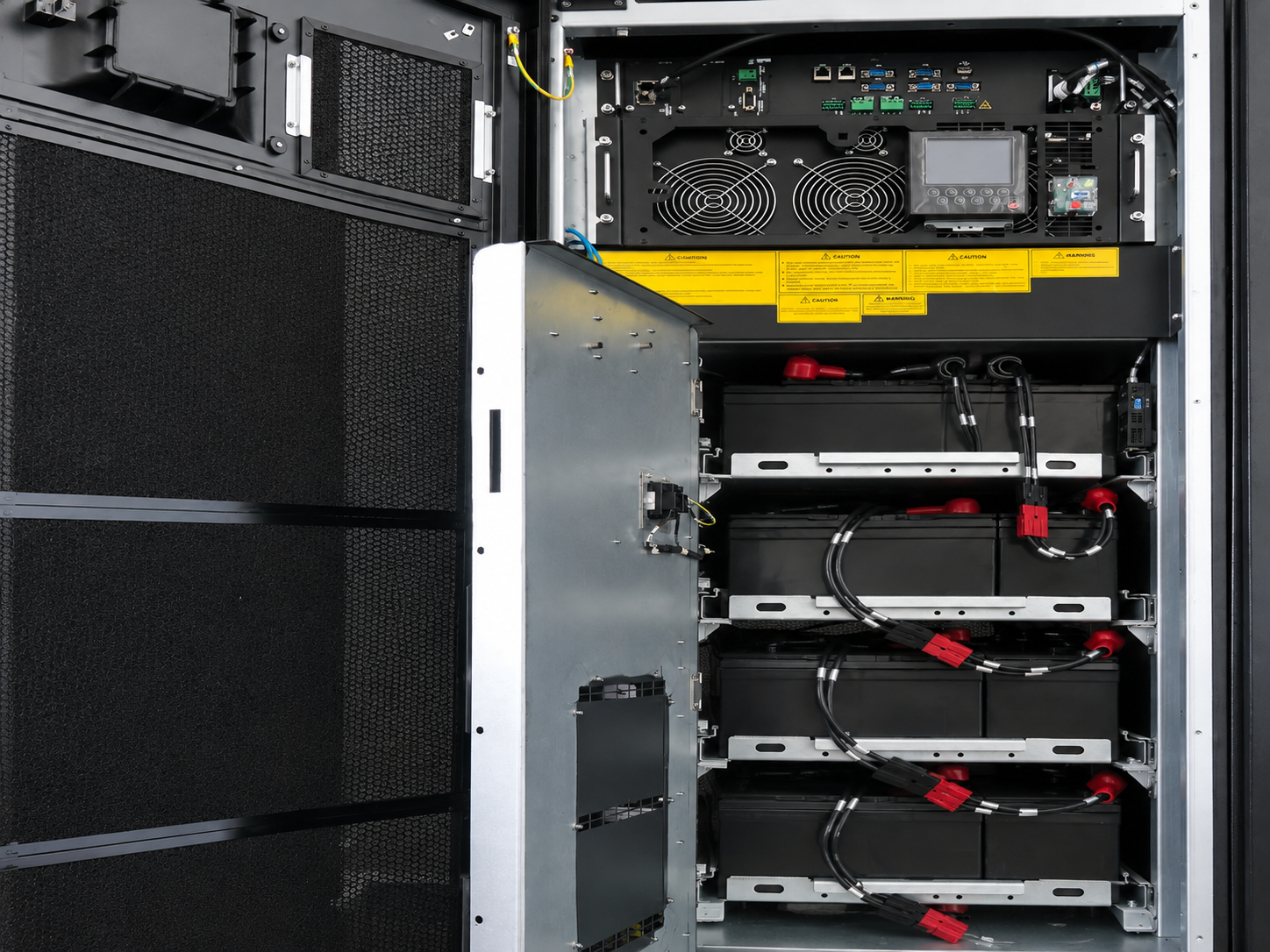
The first step is to know how much power the screen can require.
A simple calculation is:
Maximum Power = Display Area × Maximum Power Consumption per Square Meter
For example, assume a 20 m² LED screen has a maximum power consumption of 600 W/m²:
20 × 600 W = 12,000 W
The theoretical maximum load is therefore 12 kW.
Do not size a backup system only according to average operating power. LED content changes constantly. A bright white image can create a much higher load than dark video content.
You should also leave reasonable capacity for the control equipment and design margin.
The actual calculation should always use the technical specifications of the selected LED modules, cabinets and power system.
These two terms are often confused.
A UPS protects the LED display when the main electrical supply is interrupted.
Power redundancy protects the display when one power supply or power path fails.
For example:
Main power failure → UPS
LED power supply failure → Redundant PSU
Long power outage → Generator
Power source failure → ATS or secondary power source
This distinction is important.
Installing two LED power supplies does not automatically protect a screen from a building-wide blackout. In the same way, installing a UPS does not prevent part of the screen from going black if an individual LED power supply fails.
Critical projects often need more than one protection layer.
Not every component has to use the same backup strategy.
A typical LED system may include:
For some projects, keeping the controller, processor and communication equipment online is the highest priority.
For mission-critical installations, both the LED display and control equipment may require backup.
An indoor LED screen used in a conference room may have different backup requirements from a large outdoor advertising display.
The design should therefore start with one question:
What must continue operating when the main power fails?
Choosing a UPS for an LED display requires more than matching one power number.
Important factors include:
Maximum load:
Calculate the maximum possible demand of the equipment connected to the UPS.
kW and kVA:
UPS products are normally rated using both values. Make sure the selected UPS can support the actual load.
Power factor:
This affects the relationship between real power and apparent power.
Design margin:
Avoid operating a UPS continuously at its absolute rated limit.
Future expansion:
If additional LED cabinets may be installed later, reserve enough capacity during the first design.
For large projects, UPS sizing and electrical distribution should be confirmed by a qualified electrical engineer.
A common mistake is assuming that every LED display needs a long battery runtime.
In reality, backup time depends on the application.
A retail advertising screen may only need enough time for a controlled shutdown or a short interruption.
A live event or broadcast screen may need continuous operation until another power source becomes available.
A control room may require a much higher level of availability.
For a large outdoor LED screen, a UPS may be used mainly to bridge the gap between utility failure and generator startup.
Therefore, instead of simply asking:
“How large should the battery be?”
Ask:
“How long must the LED display continue operating?”
This makes UPS sizing much more accurate.
UPS backup and LED power supply redundancy can work together.
A standard LED cabinet normally depends on its internal power supplies. If one critical PSU fails, the corresponding modules may stop working.
For applications where interruption is unacceptable, a redundant design can provide another power path.
Common solutions include:
1+1 redundancy: one primary and one backup power supply.
N+1 redundancy: the system has the required number of power units plus an additional backup unit.
The goal is to prevent a single PSU failure from causing a large black area on the screen.
This can be especially useful for control rooms, command centers, live broadcasts and important events.
For temporary installations, a reliable rental LED screen should also be combined with a carefully planned event power distribution system.
A large LED screen should not depend on one single power circuit.
Instead, divide it into several independent zones.
For example:
Zone A → Circuit A
Zone B → Circuit B
Zone C → Circuit C
Zone D → Circuit D
If one circuit trips, only one section is affected rather than the entire display.
Power zoning also makes troubleshooting and maintenance easier.
This is especially useful for large video walls, stadium displays and custom installations.
For complex structures such as an irregular-shaped LED screen, engineers should consider the physical structure, module arrangement and power distribution together during the design stage.
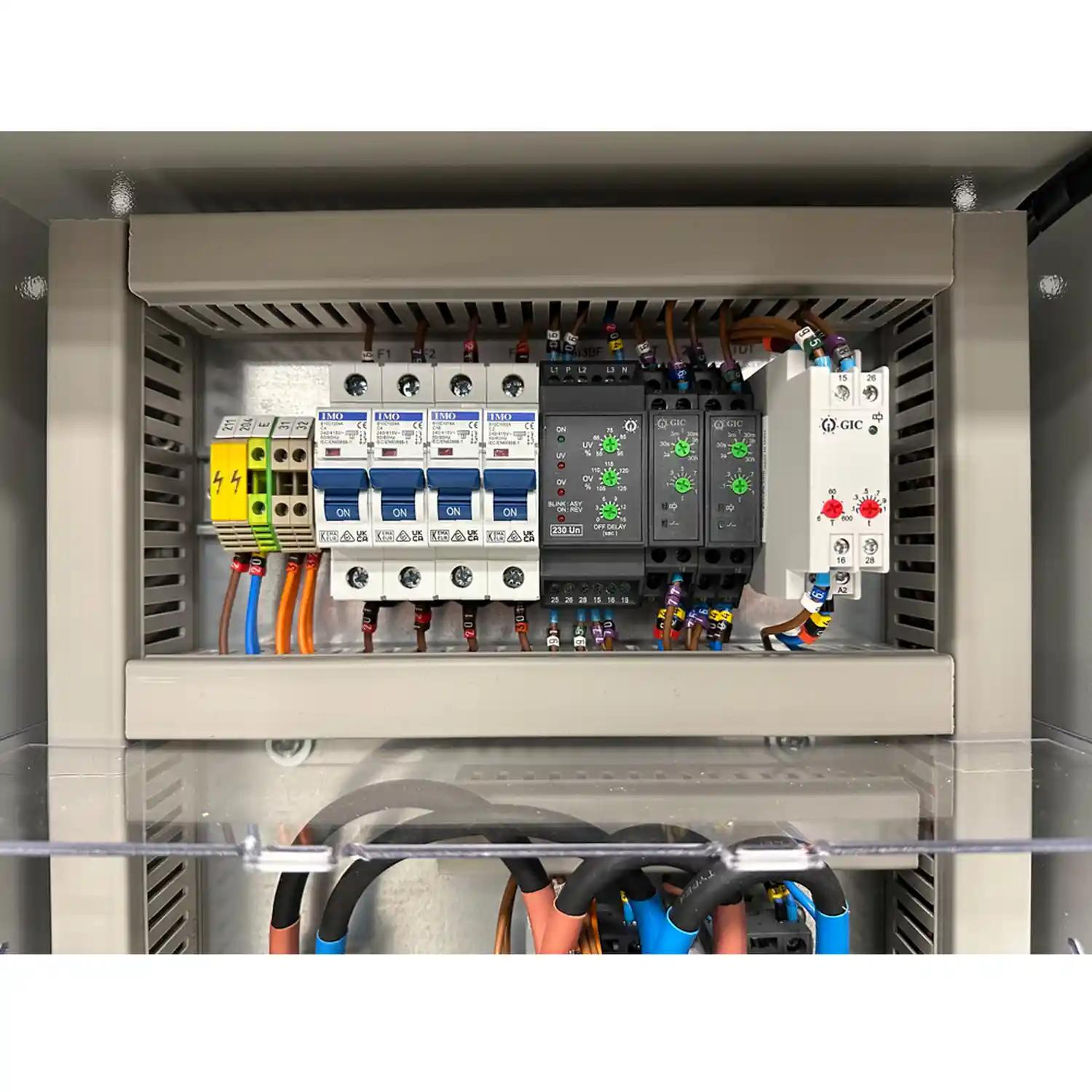
For installations that cannot tolerate long outages, battery backup alone may not be practical.
A typical system may use:
Utility Power → ATS → UPS → Distribution Panel → LED Display
with a generator connected as the secondary source.
When utility power fails, the UPS temporarily supports the critical load. The generator starts, and the automatic transfer system transfers the load after the generator becomes stable.
This approach is more suitable for large commercial installations, stadiums, control centers and other high-availability projects.
Even a powerful UPS cannot fix a poorly designed electrical system.
Common mistakes include:
The backup system should also be tested periodically. A system that has never been tested under a simulated power failure cannot be assumed to work correctly during a real outage.
Backup power design begins with understanding the LED display itself.
Shenzhen Ai Display provides different LED display solutions for indoor, outdoor, rental and creative applications. The company supports project customization from display design and production to installation guidance and technical support.
For projects with special reliability requirements, the LED screen layout, cabinet configuration, power distribution and maintenance method can be considered together during the planning stage.
A well-designed system is not only about keeping the screen running. It should also make future maintenance and troubleshooting easier.
A reliable LED display backup power system should be designed around the real risks of the project.
Start by calculating maximum power consumption. Then determine which loads require backup, select the proper UPS capacity and runtime, and consider power zoning and redundant power supplies.
For critical projects, ATS, generator backup and independent power paths may provide another level of protection.
Most importantly, do not treat UPS backup and power redundancy as the same thing. A reliable LED display system uses the right protection for each possible failure point.
No. The need depends on the application. A normal advertising display may tolerate a short outage, while a live event, control room or critical information display may require uninterrupted power.
Start with the maximum LED display load and add the power required by controllers, processors and other critical equipment. Then consider power factor, design margin and required runtime.
 Hot News
Copyright © 2025 by Shenzhen Ai Display Technology Co., Ltd - Privacy policy
 EN
EN